Guides for live streams and short clips
Connect OBS and multistream
Set up a test broadcast before your first live event.
Read the guide →Turn a livestream into Shorts
Pick one moment and make sure it works in a vertical feed.
Read the guide →Clip a video podcast
Turn an answer or exchange into a short story people can follow.
Read the guide →
Prepare your first stream and follow-up clips
Set up before the show
Use the OBS guide when you need to verify the feed and destination permissions. Save a short recording with speech and motion so you can check both audio and frame quality.
Pick a clip after the show
Use the Shorts guide for streams with visual action. Use the podcast guide for dialogue and stories where speaker framing and context matter.
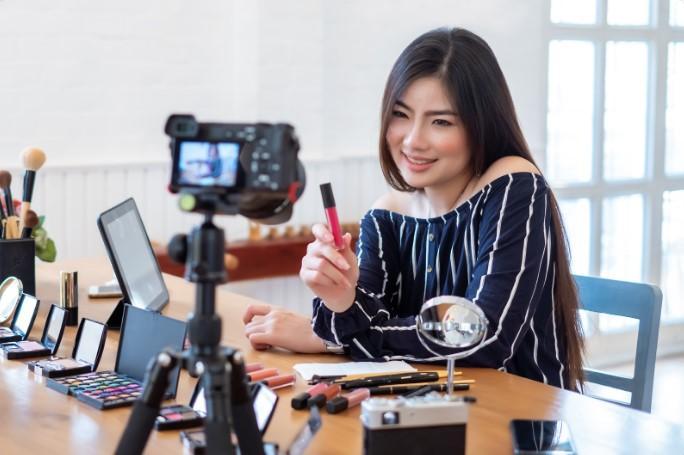
ClipBot guides for OBS, Shorts, and podcasts
Guides walk through concrete tasks: wiring OBS to ClipBot, turning a livestream into Shorts, and clipping dialogue-heavy podcasts. Start with the guide that matches your next deadline, then open the related product page for limits and settings.
Related: Multistreaming · AI Clips · Stream on Loop
FAQ
- Which guide should new users read first?
- The OBS multistreaming guide if you have not connected ingest yet; otherwise the Shorts guide after your first replay.
- Do guides reflect current limits?
- Guides describe workflows; confirm numeric limits on the pricing page before a long event.