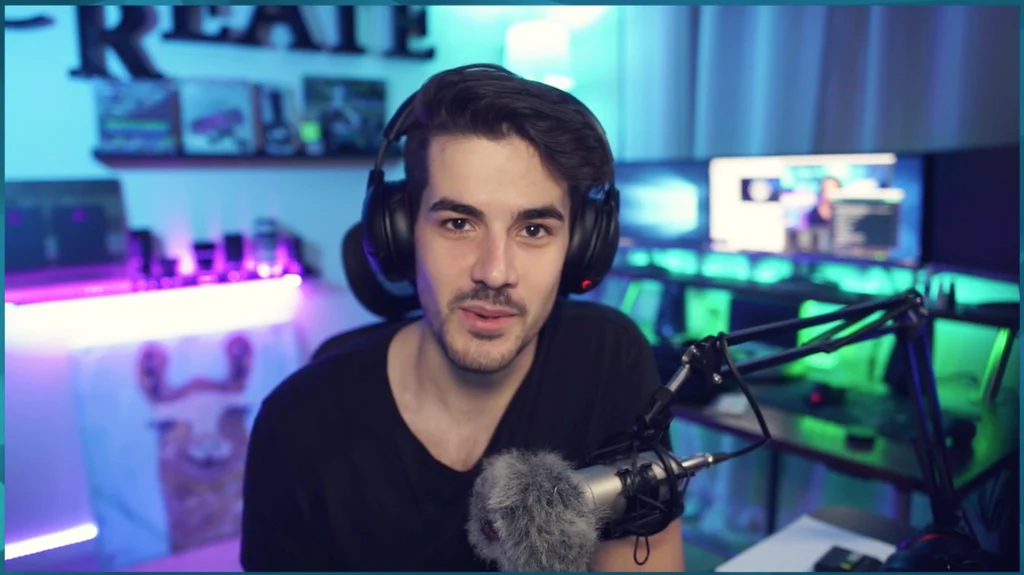
Turn live video podcasts into Shorts
Podcast teams need stable distribution and clips that carry a complete thought in under a minute. ClipBot queues vertical suggestions with captions you can edit before Auto Share.
Find the answer people will want to share
Start with a sharp explanation, a surprising story or a question your listeners ask often. Include enough context to stand alone. Check speaker names and captions before you publish.
FAQ
- Can I clip episodes recorded in ClipBot?
- Yes. Open the available cloud recording and use it as your clipping source.
- Does Auto Share post without approval?
- No. You confirm captions and each destination before publishing.
Turn an OBS video podcast into weekly social clips
Capture a clean conversation
Assign inputs per speaker in OBS where your setup allows it, and check your live mix through headphones. Set up a framing option that keeps the active speaker legible on a phone. Confirm guest permission for the replay and social excerpts.
Get more than one angle from an episode
Pick a question with a practical answer, a short story and one surprising observation. Give each clip a different purpose. Keep the original timecode and check that a short quote still represents the guest’s meaning.
Review names, layout and context
Replay each vertical cut with captions on. Correct names and technical terms, and check which speaker is on screen before publishing. Use the destination post description to point listeners to the full episode.
Video podcast clips for Shorts and TikTok
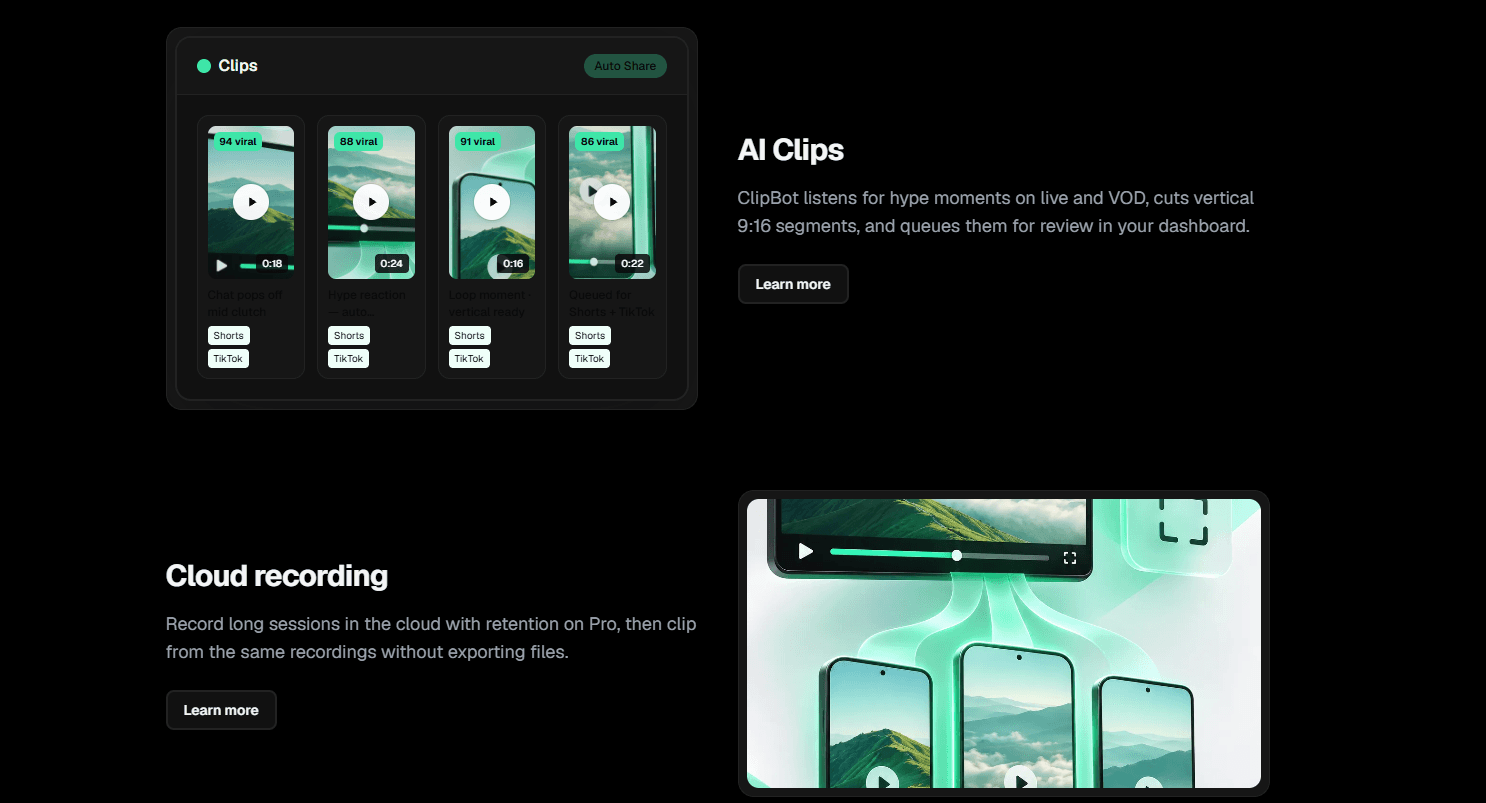
Podcasters need quote-safe vertical cuts with the right speaker on screen. ClipBot detects energetic exchanges, frames active speakers, and waits for your caption approval before Auto Share posts to each social account.
Related: Multistreaming · AI Clips · Stream on Loop