Multistream IRL from a single OBS encode
Outdoor and event streams need reliable fan-out when connectivity changes. ClipBot records in parallel so you can choose a reveal, reaction or street moment once you are back online.
Share a scene that stands on its own
Choose the reveal, reaction or unexpected moment. Give viewers enough of the lead-up to know what happened, then check whether the clip still works on a vertical screen.
FAQ
- Can I stream directly from my phone?
- This workflow assumes a feed routed through OBS. Check the destination and setup guides for supported connections.
- Is Loop available for IRL creators?
- Loop is a supported destination. See the Loop page for creator tools on loopstreams.live.
Plan an IRL livestream that can survive a location change
Test the full source path
Check the connection from your camera or phone setup to OBS before going live. Walk the route at the time of day you expect to shoot. Plan a fallback scene and decide who will check the outgoing video while you are on location.
Frame highlights around a change
A venue reveal, crowd reaction or short exchange makes more sense when the viewer can see what changed. In vertical review, keep the subject in frame and check signs, bystanders and location details before you share.
Put the replay to work
Use the available cloud replay to pick moments after you are back on a reliable connection. Share one short moment with enough context to encourage viewers to watch the rest of the stream.
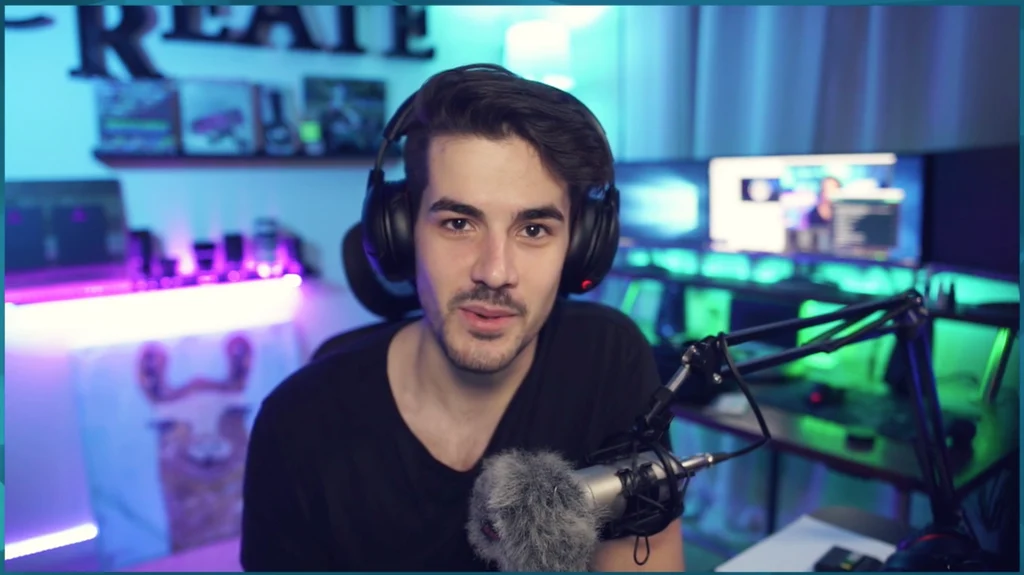
IRL live streaming with multistreaming
IRL creators move between locations, guest interactions, and chat-driven moments. ClipBot records the full walk or event, then surfaces vertical highlights you can publish while the stream is still top of mind.
Related: Multistreaming · AI Clips · Stream on Loop