Multistream music performances from one OBS feed
DJ and live-performance workflows need clean audio in OBS, reliable distribution and a replay you can revisit after the room clears. ClipBot records while you multistream so you can choose a transition, drop or crowd moment without exporting between apps.
Plan the clip before you publish
Give viewers enough lead-in to hear what changes. Confirm you have permission to stream and share the material before selecting destinations.
FAQ
- Can I stream a DJ set to multiple platforms?
- Yes. Send one OBS feed to the destinations you enable for that session, including Loop for creator tools on the Loop side.
- How do I clip a drop or transition?
- Use the cloud replay to mark the moment, preview 9:16 framing and approve captions before Auto Share.
Multistream a DJ set or live performance with OBS
Set up the performance feed
Take a clean feed from your mixer or audio interface into OBS. If you want room sound, keep it on a separate OBS source and test the balance against the board feed. Check the loudest section during soundcheck and watch a test stream on a phone.
Pick the moment that sounds good on its own
Mark a transition, a drop or a short performance excerpt. Leave enough lead-in for the change to register. Check that captions and any visual overlays stay clear of hands, instruments and controls when the moment is framed vertically.
Choose where each recording can be shared
Confirm live, replay and clip permissions for the tracks and footage you use. A destination may treat a replay or a short clip differently from a live set. Keep a rights-cleared excerpt ready when you plan to share across several networks.
Build a repeat audience between shows
Use a short performance clip to point to your next livestream or the full recording. Keep a simple release calendar with the set date, approved excerpt and destination.
Live streaming for musicians and DJs
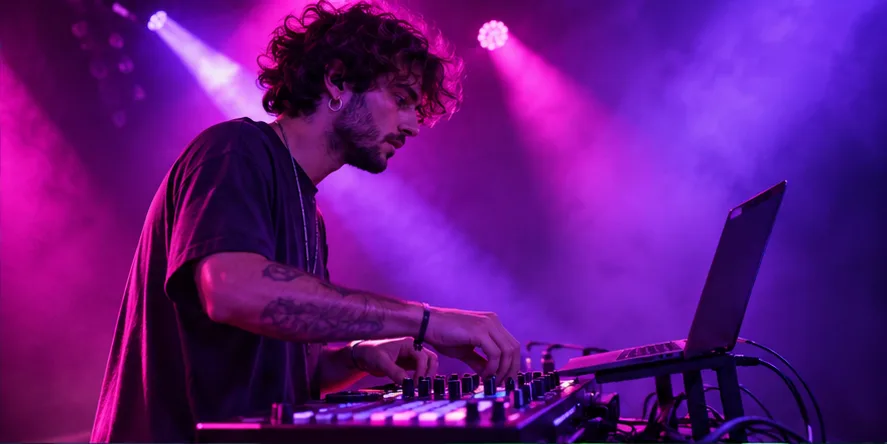
Performance streams need clean board audio, rights-aware destinations, and clips that sound good on phone speakers. Multistream to fans on Loop, YouTube, and Twitch, then excerpt transitions listeners can share before the next show date.
Related: Multistreaming · AI Clips · Stream on Loop