Guide

How to turn a video podcast into social clips

A good podcast clip sounds obvious in isolation — the hard part is framing it in 9:16 and getting approval before you post.

Find a moment with a clear payoff. Look for an answer that changes how the listener thinks, a short story with an ending, or a disagreement that can be understood without hearing the whole episode.

Build in enough context. Include the question when it clarifies the answer. In the vertical preview, check which speaker is visible and verify names, quotes and captions where available.

Review before sharing. Check the guest's permissions, select your publishing account and consider using the post description to point viewers to the full episode.
A repeatable podcast clipping review

Pick a question with a complete answer

Start at the line that introduces the topic and end after the speaker makes their point. Keep the exchange intact if removing a follow-up would change the meaning.

Check the cut before it leaves the workspace

Confirm the correct speaker is visible, check names and quotes, then point viewers to the full episode. Note which timecode and caption version received approval so your team can reuse the work.

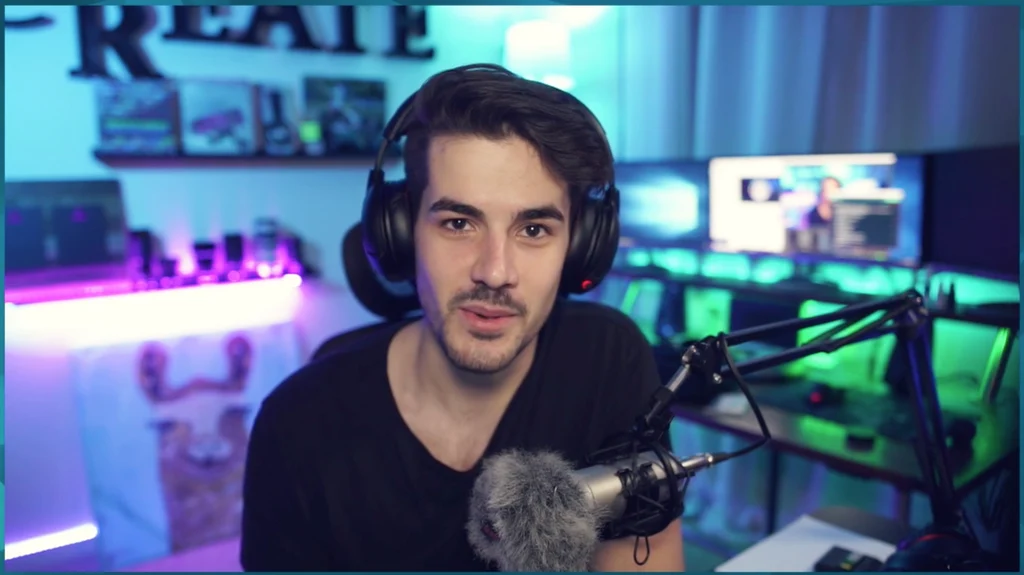
A podcast creator at a microphone

How to clip a video podcast for social video

Podcast clips fail when context disappears. Keep the question, the answer, and the speaker’s face in frame. Correct names in captions and note the episode title in the post description so short-form viewers know where to listen long-form. If your show uses split-screen layouts, preview the vertical crop on both speakers so ID lower-thirds are not cropped out on TikTok and Reels.

How to get started

  1. Choose a question that makes sense without earlier jargon.
  2. Preview vertical framing for two-speaker layouts.
  3. Approve captions and publish with a link to the full episode.

Related: Multistreaming · AI Clips · Stream on Loop

FAQ

Should clips include the intro music?
Usually no—start at speech so mobile viewers hear the hook immediately.
What about multi-guest episodes?
Pick moments with one primary speaker on screen to avoid cramped vertical crops.