Use cases

One workspace for how you actually go live

ClipBot combines multistreaming, cloud recording, and AI clipping. Pick the workflow closest to yours — each section links to anchors you can share with your team.

Gamers

Raid on Kick, simulcast to Twitch and YouTube, and clip clutches as vertical Shorts without alt-tabbing through three dashboards.

  • Multistream ranked and variety streams in one session.
  • AI picks audio spikes and chat-heavy moments for review.
  • Auto Share queues Shorts and TikTok after you approve.
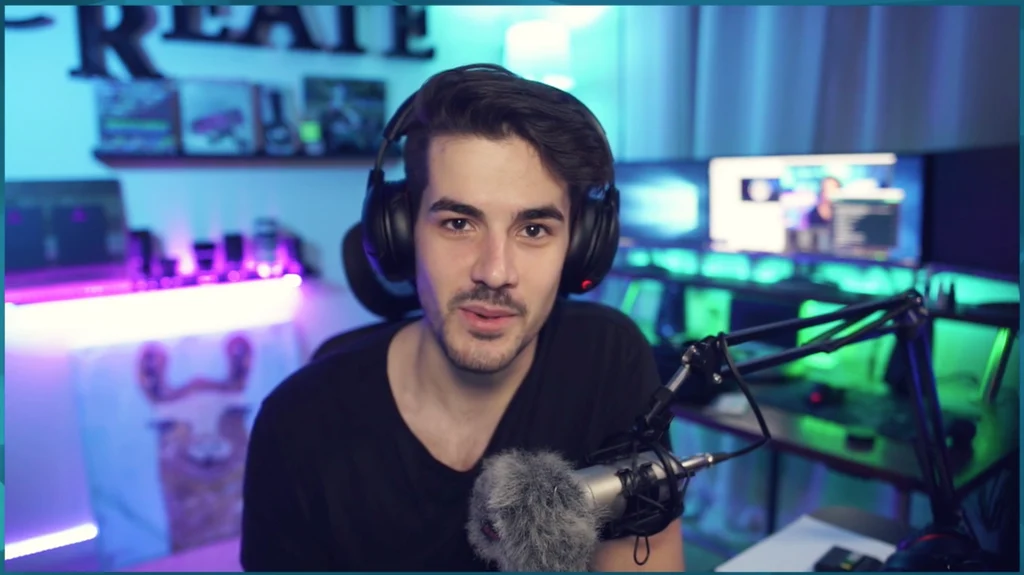
IRL creators

Outdoor and travel streams need reliable fan-out when connectivity is uneven. Record in the cloud so you can clip when you are back online.

  • Loop and mobile-first platforms alongside YouTube.
  • Cloud VOD when the live window closes.
  • Vertical cuts for street moments and crowd reactions.

Podcasters

Live podcast tapings become a video show on multiple platforms. Clip hot takes for social while the full episode stays on the primary feed.

  • Stable multistream for video podcast workflows.
  • Highlight detection tuned for dialogue peaks.
  • Captioned 9:16 clips for discovery on social.

Musicians & DJs

Showcase sets, DJ mixes, and studio streams to fans everywhere. Pull drop moments and crowd reactions into reels without manual editing marathons.

  • RTMP-friendly for DJ software and visualizers.
  • Long-session cloud recording on Pro.
  • Clip drops and transitions for promo reels.

Businesses & webinars

Product launches and webinars reach LinkedIn-adjacent audiences via YouTube and Facebook while you retain a cloud recording for on-demand follow-up.

  • Controlled destination list per event.
  • Team seats for producers and moderators.
  • Clip key announcements for post-event marketing.

Agencies

Manage client broadcasts from one workspace: separate destinations per talent, shared clipping workflow, and quota visibility across campaigns.

  • Up to eight destinations per Pro workspace.
  • Watermark-free clips for client deliverables.
  • One toolchain instead of restream plus clipper stacks.

Not sure which plan fits? Compare Free and Pro limits side by side.

Plan your stream around what you want viewers to do next

Community broadcasts

Give gaming, music and IRL audiences a reason to return. Share a clip with a clear payoff and mention where the next show will be live.

Client and educational broadcasts

Give every event an owner for the OBS feed, a replay and a short list of approved takeaways. Capture a clip around each question your audience is likely to ask again.

A creator filming at a live event

Live streaming use cases with OBS and ClipBot

Pick a persona to see how multistreaming, recording, and clips fit that workflow. Agencies need run sheets; gamers need clutch moments; podcasters need quote-safe captions; musicians need performance audio. Each page links the guides and destination docs that matter for that audience.

Related: Multistreaming · AI Clips · Stream on Loop

FAQ

Can one workspace serve multiple clients?
Agencies often separate client credentials per workspace so keys and social accounts never mix.
Where should I start?
If you already multistream, open the multistreaming page. If you only need clips, start on AI Clips.

Ready to multistream smarter?

Start free, then upgrade when you need eight destinations and full AI clipping.